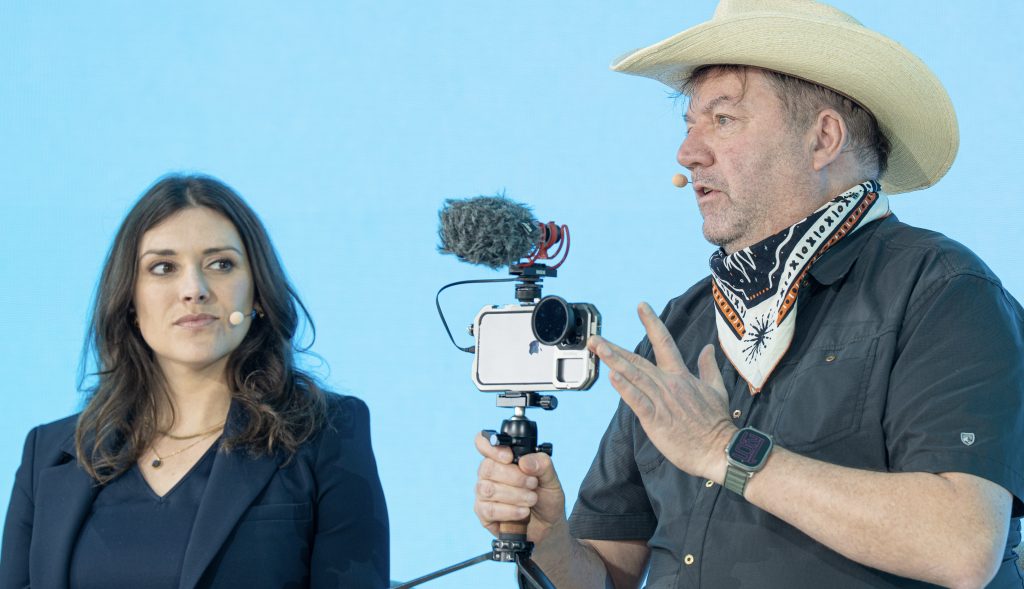
I am still buzzing from the energy of the 1 Billion Followers Summit in Dubai. The shift is no longer a prediction; it is our reality. The “industrial-age’ newsroom is being challenged by agile, niche, and highly-trusted News Creators. If you are ready to lead this transition in your newsroom or classroom, let’s talk. I […]
We Didn’t Build the Internet for Bots. Can Berlin’s Wedium Undo Social Media’s Original Sin?
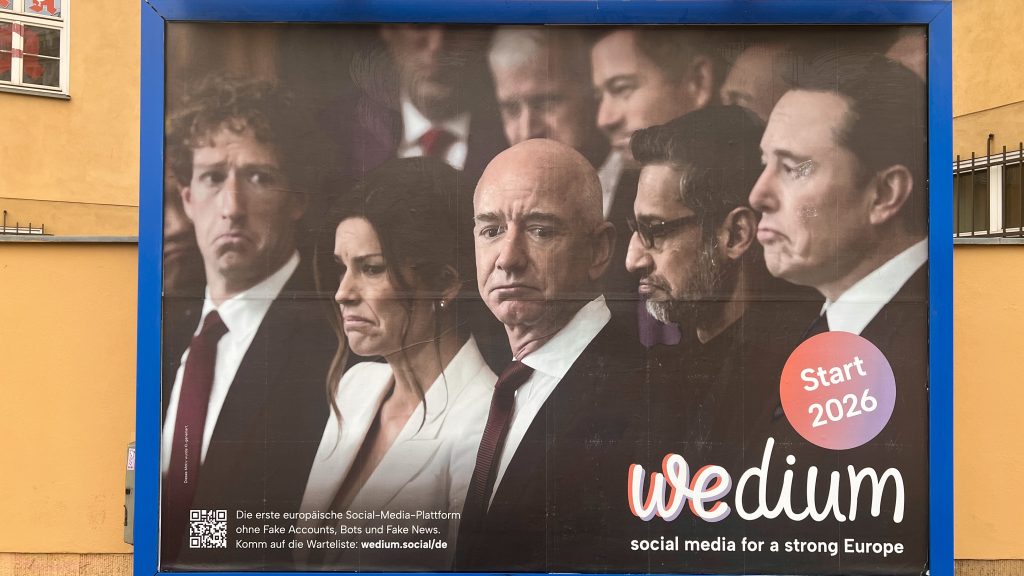
I’ve been thinking about the Original Sin of social media lately. A new project spinning up here in Berlin has me revisiting why I built Visual Editors back in 2004—the first social network for visual journalists. Back then, we were idealists who believed connecting pros in a digital Commons would naturally create signal over noise. […]
News Creator Journalism in 2026: What Educators Need to Know
What I’m Learning as a journalism creator professor I’ve been reflecting on how creator journalism is moving from experiment to mainstream—one in three journalists now build independent practices. “Report: The Rise of the Creator-Journalist,” published by the Video Consortium in collaboration with Project C and Fordham University is out. This study examines how independent video […]
Content for Good: News Creator takeaways from Dubai’s 1 Billion Followers Summit
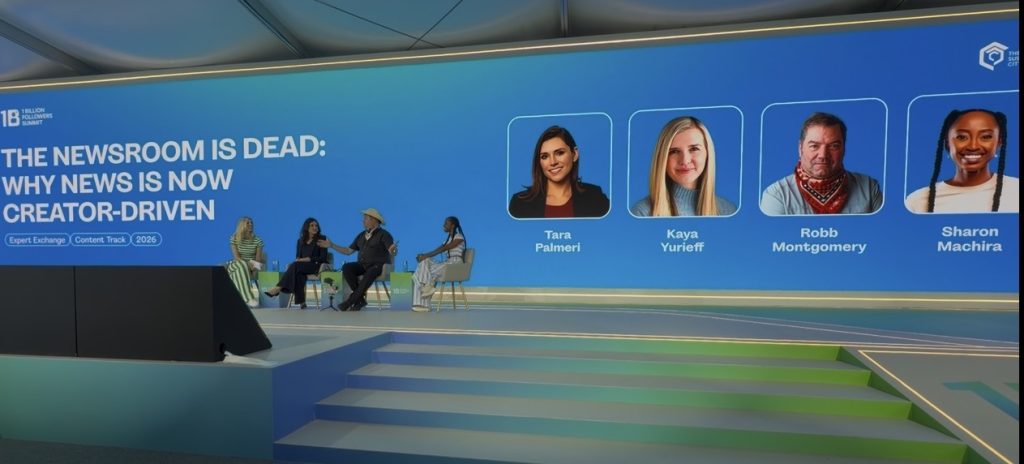
Trust is tops for creators This week at the 1 Billion Followers Summit in Dubai, one theme kept surfacing in nearly every discussion I heard: content needs a purpose beyond views. As creators, educators, and media entrepreneurs, we are being pushed—by platforms, by audiences, and by our own consciences—toward impact, not just impressions. #NewsCreators see […]
News Creator Training for Media Educators: Mobile Journalism Curriculum & Workshops 2026
I watched a legendary newsroom miss the real story because it was still built for print. Today, news creators with a smartphone can report, edit, and publish in real time—and that shift is reshaping journalism in 2026.
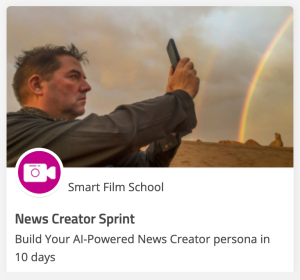
News Creators 2026: The “Sprint” For Journalism
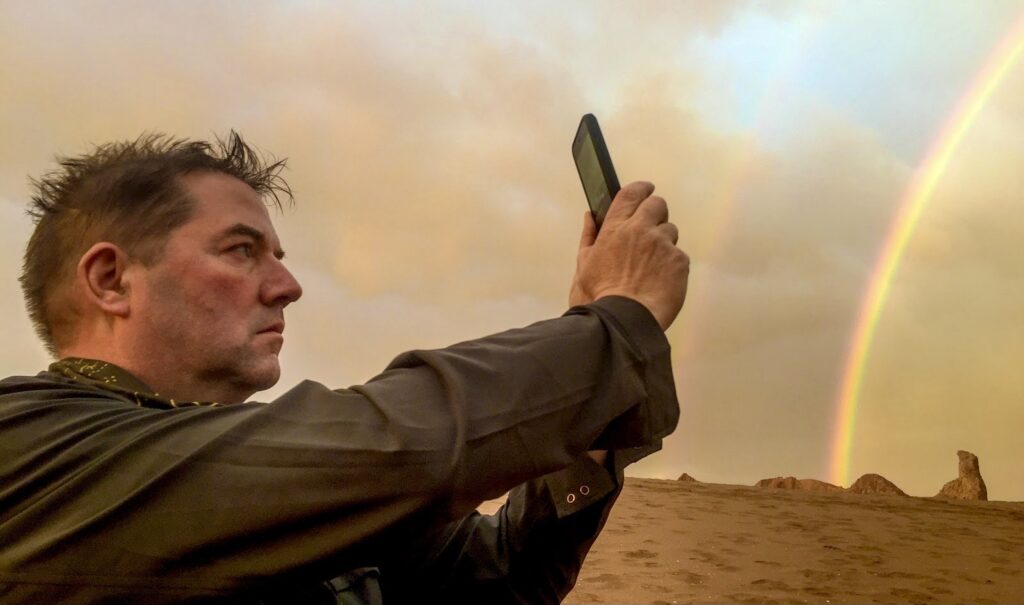
“Are you one of the aspiring news creators defining 2026? Join the News Creator Sprint and catch Robb Montgomery’s ‘The Newsroom is Dead’ session in Dubai this January.”
Transform Your Smartphone Into a Pro Video Studio — Join 1,000+ Media Pros Today!
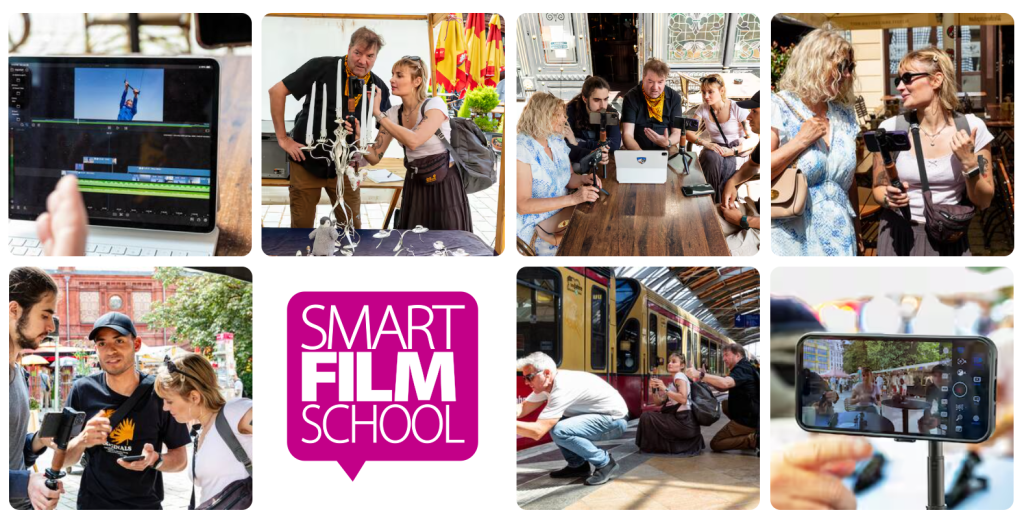
Are you ready to create captivating, professional-quality videos anytime, anywhere—using just your smartphone? Whether you’re a journalist, content creator, or media professional, this Mobile Journalism Masterclass equips you with the skills to film. You will learn how to interview and edit with confidence. Who This Course Is For: What You’ll Learn: Why This Course WorksWith […]